On most digital signage platforms, the mobile app is a shrunken copy of the dashboard. SignOS is different: the app itself is moving to the center of the work. Today you manage your screens from your pocket; very soon you will go well beyond that. Before we introduce what's new, we want to explain what we have built it on.
Performance: native on both platforms
SignOS Digital Signage is not a shell wrapped around a web page. The iOS app is written in SwiftUI and the Android app in Kotlin with Jetpack Compose, so lists, media uploads and screen controls run directly on the phone's own UI framework. On the server side, we keep investing in database and query improvements.
Security: considered from the ground up
- Encrypted connection: communication between the app and the SignOS cloud panel goes over HTTPS.
- Hardware-protected keys: access keys for SignOS Edge devices are stored in the Keychain on iPhone and encrypted with the Keystore on Android.
- An app that stays current: when a critical update ships, the app can direct you to the new version.
- Store distribution: the apps are distributed through the App Store and Google Play.
What's in your pocket today?
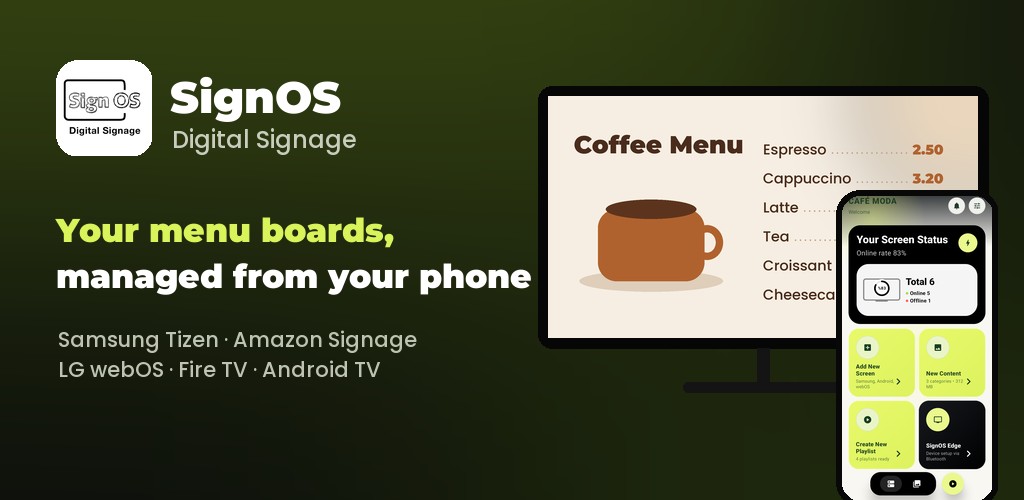
- Follow the status of your screens and add new ones.
- Upload photos and videos from your phone and send content to your screens.
- Create and schedule playlists.
- Set up and manage your SignOS Edge devices.
For more, see our mobile app article.
5 languages on iOS and Android
The SignOS Digital Signage app is available today on iOS and Android in 5 languages: English, Turkish, German, Spanish and Italian, so teams in different countries can use it in their own language.
Coming very soon: SignOS Studio
Until now, your phone has been the remote control for your screens. With SignOS Studio it also becomes the place where your content is made: instead of preparing a design elsewhere and moving it to your phone, you will create the images and videos for your screens right inside the app. Smart image processing will run on your device, without sending your photos to a server.
We will share the details here very soon. Until then, download the app and get ready: App Store · Google Play